Templates for freelancers & consultants

Professional contracts, explained in plain English.

Word and Excel templates for the agreements, proposals and invoices a service business runs on. Every section comes with a short note on what it does, so you know exactly what you're sending before you send it.

  • Word & Excel filesAlso open in Google Docs and Sheets
  • A plain-English note on every sectionKnow what each clause does
  • Instant downloadStraight after checkout
  • 14-day refundEmail us, get your money back
The kits

Pick the set that matches how you work

One-time price. No subscription. Use them with as many clients as you like.

Freelancer Starter Kit

For freelancers and solo service businesses landing and running clients.

$47one-time
5 templates · Word + Excel
  • Freelance Services Agreement
  • Invoice & Payment Tracker
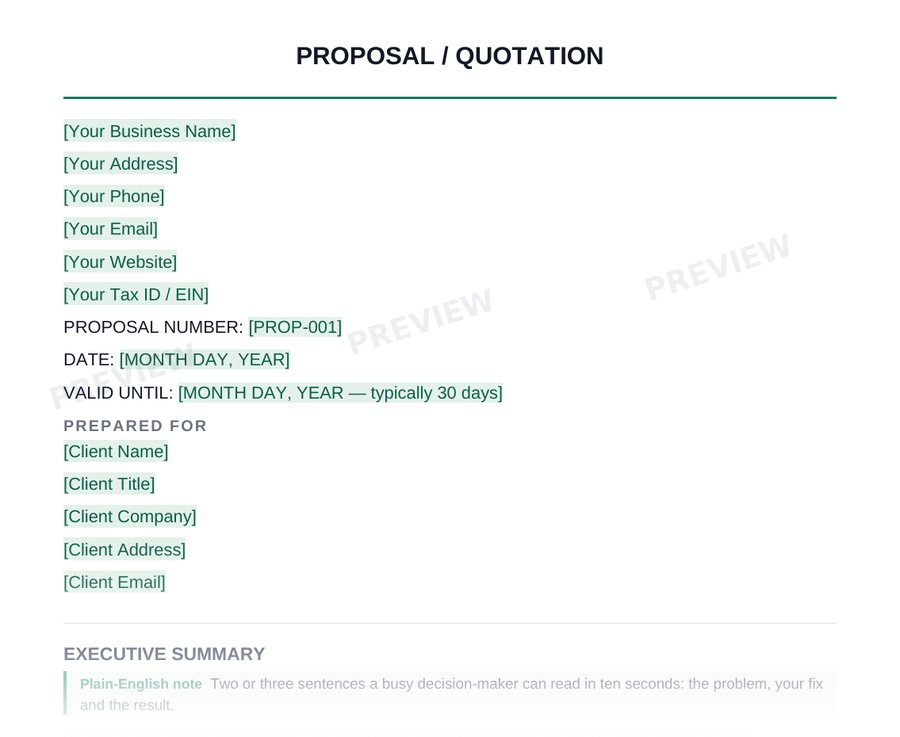
  • Proposal Template
  • Non-Disclosure Agreement (NDA)
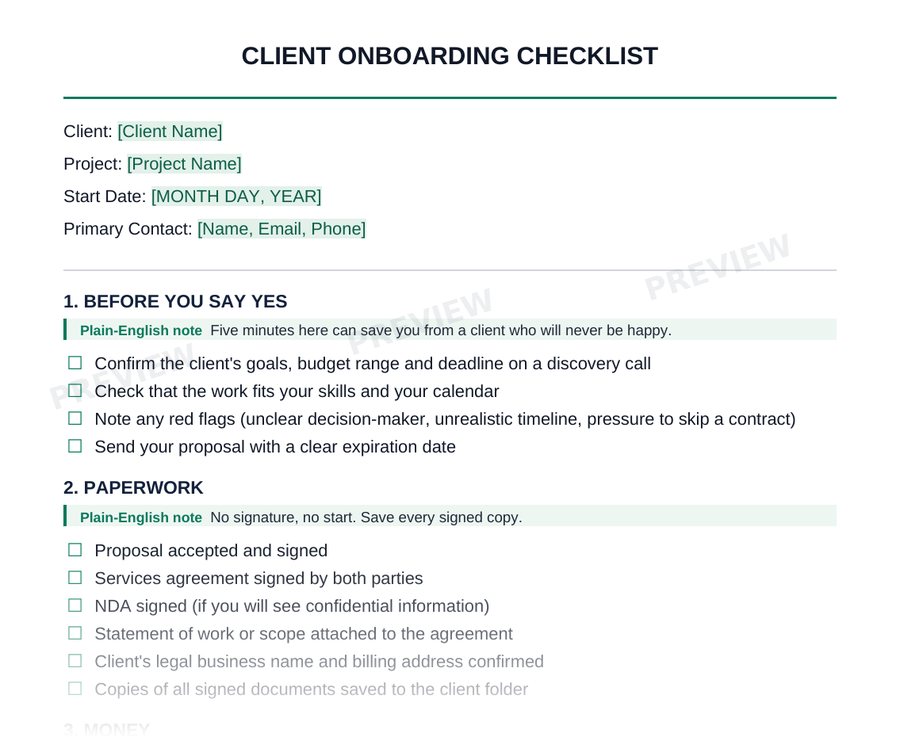
  • Client Onboarding Checklist
Buy for $47See what's inside →

Consulting Contract Bundle

For consultants who price work in different ways: fixed fee, retainer, project or hourly.

$49one-time
5 templates · Word
  • Fixed-Fee Consulting Agreement
  • Retainer Agreement
  • Project-Based Consulting Agreement
  • Time & Materials Agreement
  • Statement of Work (SOW)
Buy for $49See what's inside →
Best value

Complete Business Kit

Every SoloForms template, for when you want the whole set in one place.

$79one-time
Save $17 vs. buying both kits, plus 6 extra templates
  • Freelance Services Agreement
  • Invoice & Payment Tracker
  • Proposal Template
  • Non-Disclosure Agreement (NDA)
  • Client Onboarding Checklist
  • Fixed-Fee Consulting Agreement
  • + 10 more, including the contractor agreement, change order and SOW
Buy for $79Add the Client Hub for $29 · $108 totalSee what's inside →
New · Client Hub

Your whole paperwork system, set up for you

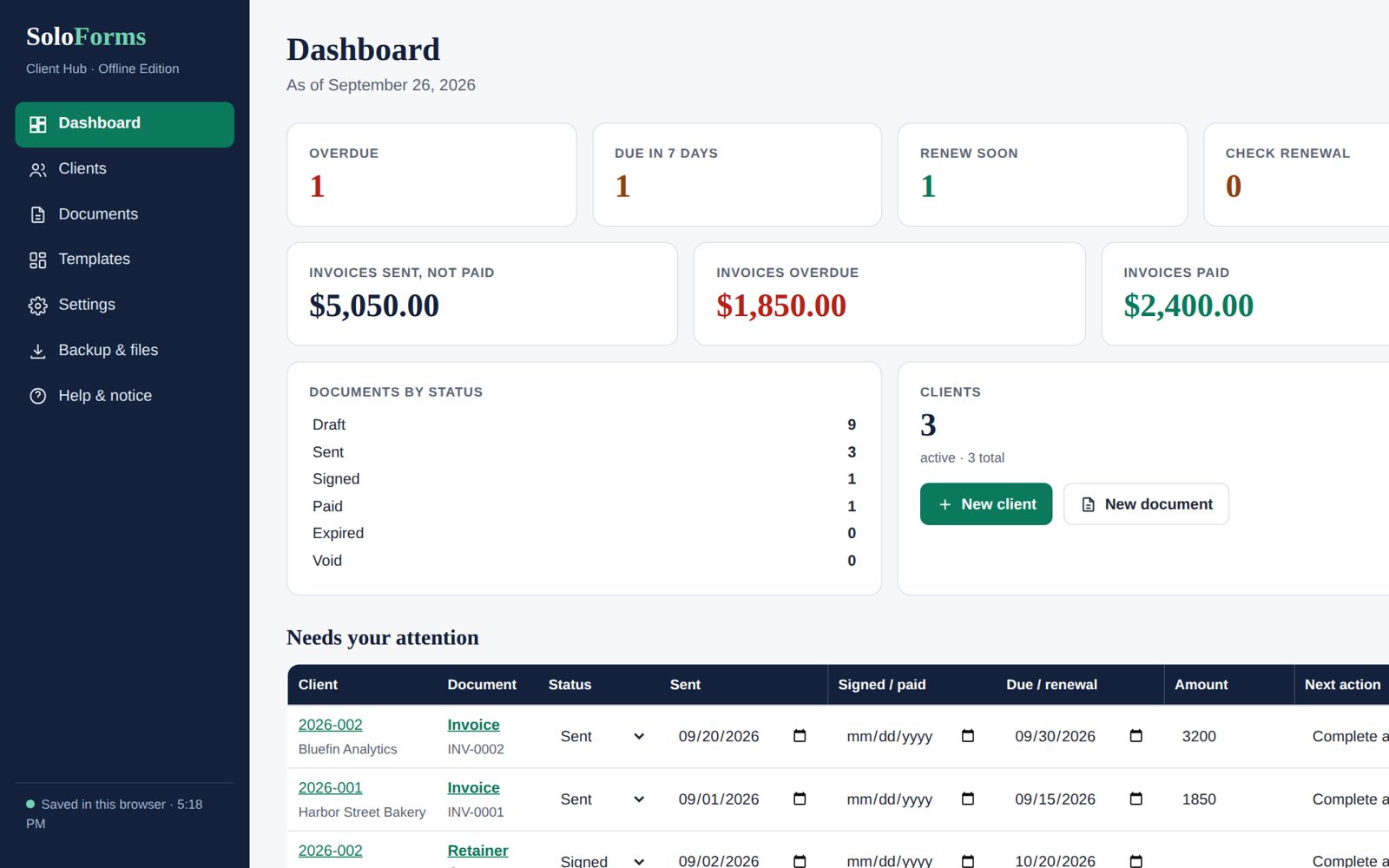
The Client Hub builds your client folders, installs all 16 SoloForms templates, and adds a New client button that files the right documents with the client's name already filled in. A records index tracks what's signed, sent and overdue.

  • Google editionOne click sets it all up in Google Drive and Sheets
  • Microsoft & desktop editionOneDrive, SharePoint or plain folders, with an Excel index and New-Client scripts
  • Offline appOne file that runs in your browser, with no accounts
$99one-time · all 16 templates included
Or $29 when you add it to the Complete Business Kit ($108 total)
The Client Hub dashboard showing overdue invoices, documents by status and clients
Look inside

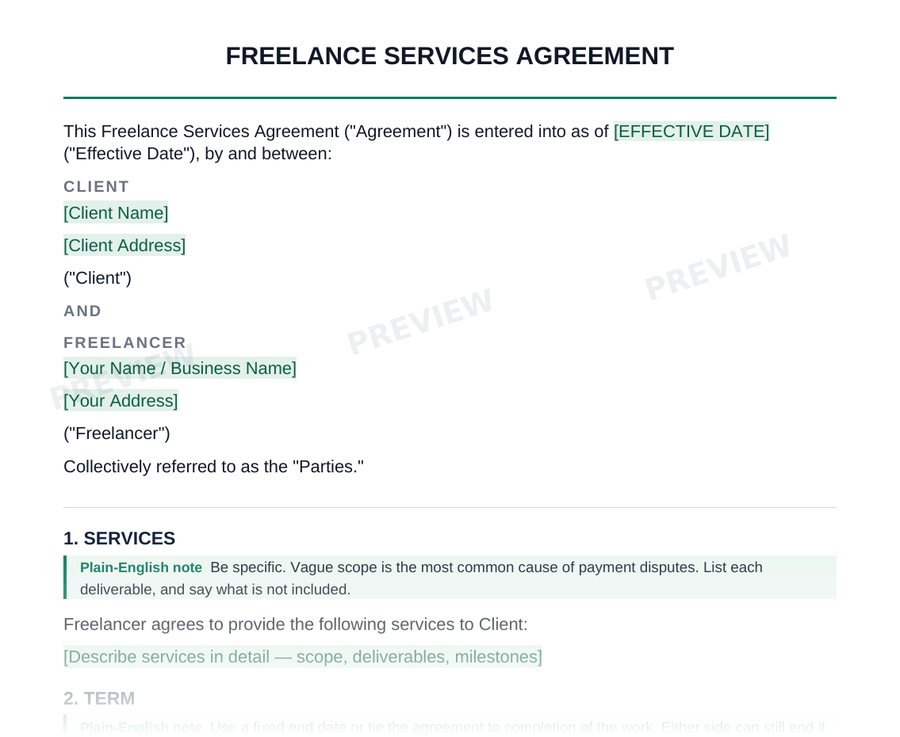
Every section comes with its reason

This is a real section from the Freelance Services Agreement. The green note tells you why the clause matters. Highlighted text is yours to fill in. Delete the notes before you send, and your client sees a clean, professional contract.

See more pages from the Starter Kit →

How it works

From checkout to a signed contract

01

Buy and download

Checkout takes a minute. Your download page opens right away with your ZIP.

02

Fill in and choose

Replace the highlighted blanks, pick your options and read the notes. Most take well under an hour.

03

Send and sign

Delete the notes and the guide page, export to PDF and send it for signature.

Templates, used the right way

SoloForms templates are organized, well-drafted starting points. They are not a substitute for a lawyer, and we won't pretend otherwise. What they do is get you to a complete, sensible draft fast, so any review you pay for is quicker and cheaper.

  • Highlighted blanks show exactly what to fill in.
  • Where a clause has options, you pick one and delete the rest.
  • Notes point out the spots where state rules differ, like late fees and non-competes.
  • For anything high-stakes, a licensed attorney in your state should review the finished version.
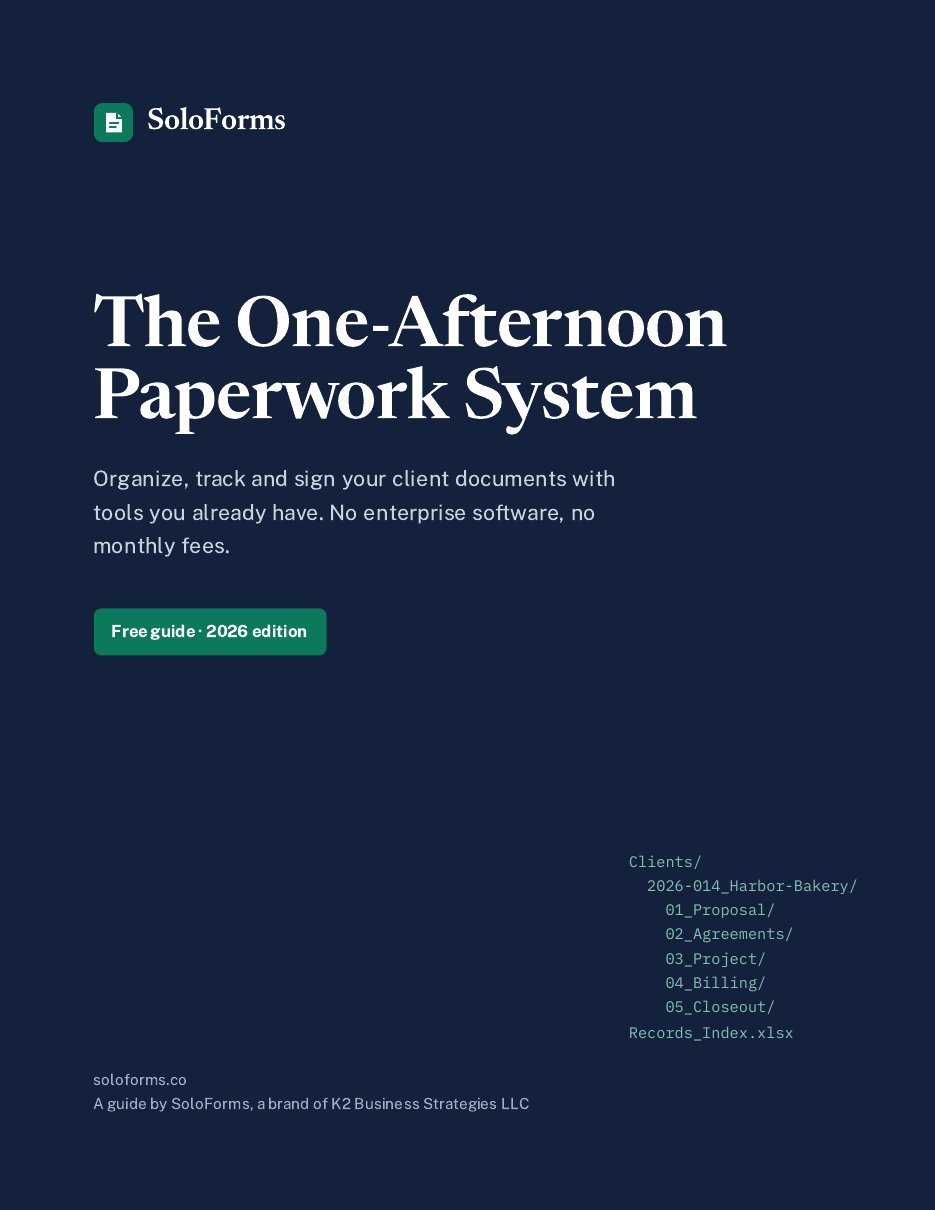
Cover of The One-Afternoon Paperwork System guide
Free guide

The One-Afternoon Paperwork System

Organize, track and sign your client documents with tools you already have: a folder structure, a file-naming rule, a records index with automatic overdue flags, and ready-to-paste AI prompts. No enterprise software, no monthly fees.

Questions

Before you buy

What format are the files?

Word documents (.docx) and, where a spreadsheet makes sense, Excel (.xlsx). They open in Microsoft Word and Excel, Google Docs and Google Sheets, or Apple Pages and Numbers.

How do I get my files?

Right after checkout you land on your download page. Bookmark it: the link keeps working for 30 days. If you lose it, email hello@soloforms.co with your receipt and we'll send your files.

Are these legal advice?

No. SoloForms templates are professionally organized starting points, and SoloForms is not a law firm. Each template shows you what to fill in and explains every section in plain English. For anything high-stakes, have a licensed attorney in your state review your finished draft.

Will they work in my state?

They're written for general US business use. Rules on things like late fees, non-competes and contractor status vary by state, and the notes flag those spots so you know what to check.

Can I use them with more than one client?

Yes. Use and edit them as often as you like in your own business. You just can't resell or share the templates themselves.

What is the Client Hub?

An optional product that sets the whole system up for you: your client folders, all 16 SoloForms templates, a records index with automatic overdue flags, and one-step new-client automation. It comes in Google, Microsoft & desktop and offline editions. It is $99 on its own, or $29 more when you buy it with the Complete Business Kit.

What if a kit isn't right for me?

Email hello@soloforms.co within 14 days of purchase for a full refund.
Questions about a kit?

Not sure which kit fits, or need help with a download? Email us.

hello@soloforms.co